Confirm file and revision
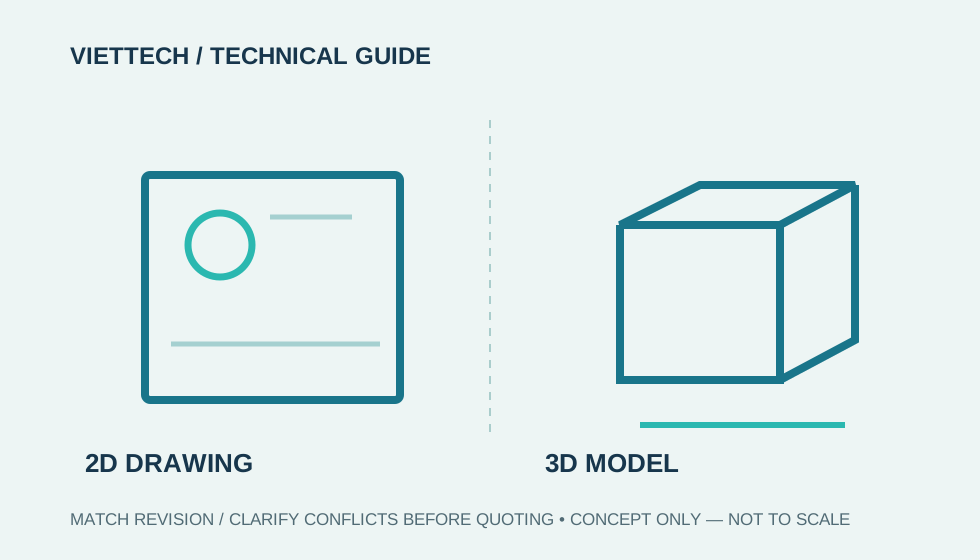
Match part number and revision across 2D and 3D, identify the quoted configuration and remove reference components outside scope.

CAD & ENGINEERING DATA
A short review reduces revision mistakes, missing units and avoidable clarification cycles.
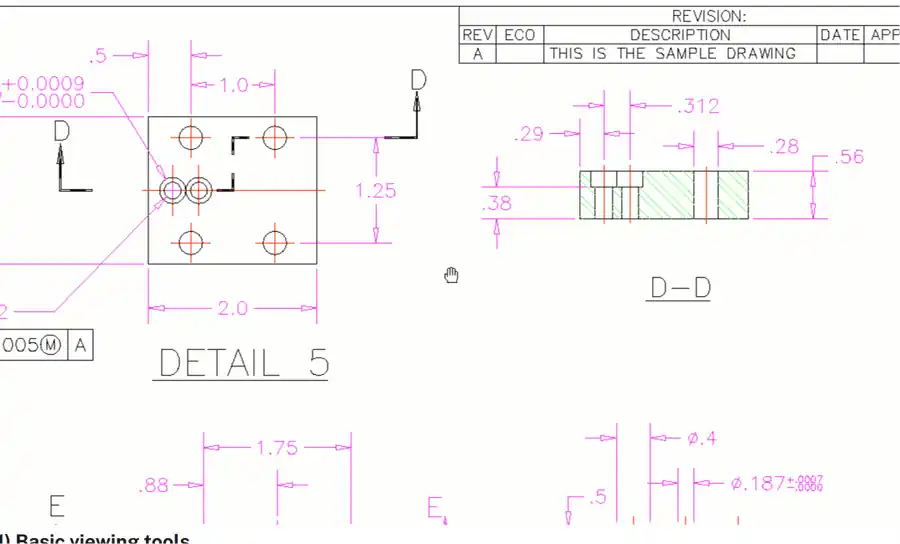
Match part number and revision across 2D and 3D, identify the quoted configuration and remove reference components outside scope.
Compare overall size with a known dimension. Check DXF scale and profiles, STEP bodies and faces, and explicitly state STL units.
Cross-check holes, threads, slots, radii, wall thickness and datums. Identify the governing document if they differ.
A one-minute check prevents repeated clarification.
FAQ
No. It supports preliminary viewing; engineering and manufacturing review is still required.
Flag the discrepancy and release a consistent governing revision.
CAD & ENGINEERING DATA