
CAD & ENGINEERING DATA

How to open a DWG online without AutoCAD

A practical guide to opening a 2D DWG in the browser, understanding the first-use delay and checking rendering limits before quotation.

CAD & ENGINEERING DATAVIETTECH · TECHNICAL RESOURCES
01

When an online DWG viewer is useful

A browser viewer is useful for confirming drawing content, revision, layers and overall dimensions, or for a quick supplier discussion. It does not replace CAD editing, but avoids installing a full CAD system for a viewing-only task.

02

Open the file in VietTech CAD Viewer

Open CAD Viewer, select or drop a .dwg file, read the first-use notice and continue. Wait for conversion and rendering, then use zoom, pan, views and Smart Dimension.

  • Open CAD Viewer
  • Select or drop the DWG
  • Confirm the first-use notice
  • Wait for the progress stages
  • Verify geometry, text and units
03

Local processing and privacy

VietTech's DWG Beta runs the reader in the browser and does not upload drawing content to VietTech servers. This differs from cloud conversion services that require a server upload.

04

What to verify after opening

Compare overall size with a known dimension and review text, Ø/R/± symbols, layers, circles, arcs, hatches and blocks. Drawings that use SHX fonts or proxy objects should be compared with a released PDF.

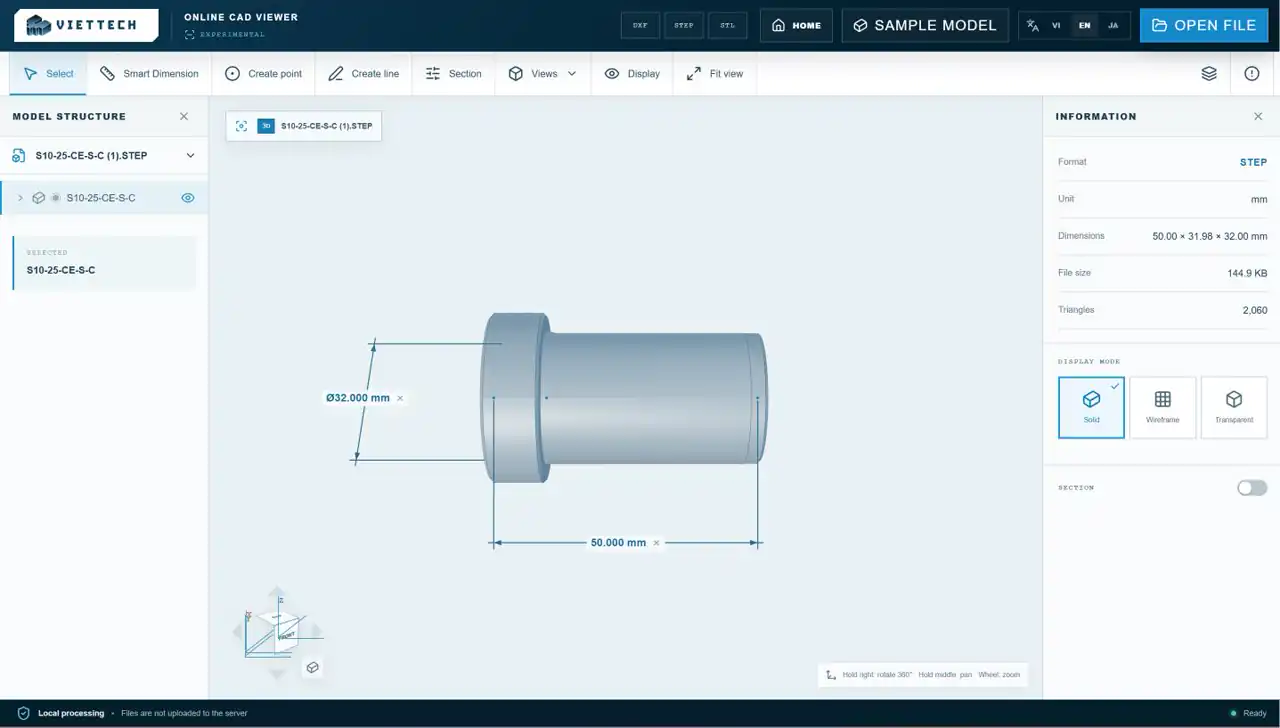
Opening and checking a 2D DWG in VietTech CAD Viewer
Verify geometry, units and critical text after the browser renders the DWG.
05

When to use the source CAD system

Return to the source application for editing, exact plotting, xrefs, special fonts or proxy objects. A controlled PDF and a STEP model should accompany an RFQ when they contain requirements that the 2D DWG does not fully define.

RELATED PAGES

Open DWG online ↗DWG vs DXF ↗DWG and DXF font problems ↗

FAQ

Frequently asked questions

Do I need AutoCAD?

No. A modern browser with JavaScript and WebGL is sufficient.

Can I edit the DWG?

No. The current tool focuses on viewing and reference measurement.

What is the DWG file limit?

The current 2D DWG Beta accepts files up to 20 MB.

CAD & ENGINEERING DATA

Need to view a DWG quickly?

Open it in VietTech CAD Viewer without installing AutoCAD.OPEN CAD VIEWER ↗