Why DXF text can fail
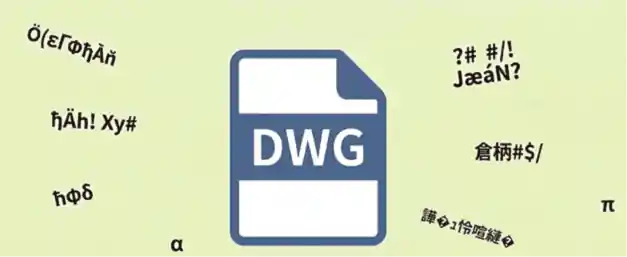
DWG and DXF can reference SHX, Big Font or styles available only on the authoring computer. Fallback fonts, encoding, MTEXT control codes and exporter behavior can change multilingual characters and engineering symbols.

CAD & ENGINEERING DATA
Why DWG/DXF text becomes question marks or displaced notes, and how to prepare files for more consistent rendering.
DWG and DXF can reference SHX, Big Font or styles available only on the authoring computer. Fallback fonts, encoding, MTEXT control codes and exporter behavior can change multilingual characters and engineering symbols.
A Unicode fallback may recover many characters but can change width, line breaks and placement. Lost or incorrectly encoded source text cannot be fully restored by the viewer.
Reopen the export elsewhere, prefer common Unicode fonts and provide a PDF when exact layout matters.
If text remains corrupted or layout changes significantly, reassign text styles in the source drawing and export again.
FAQ
Not necessarily. Text may be readable while layout changes.
No. The viewer uses a safe fallback for text it can decode.
CAD & ENGINEERING DATA